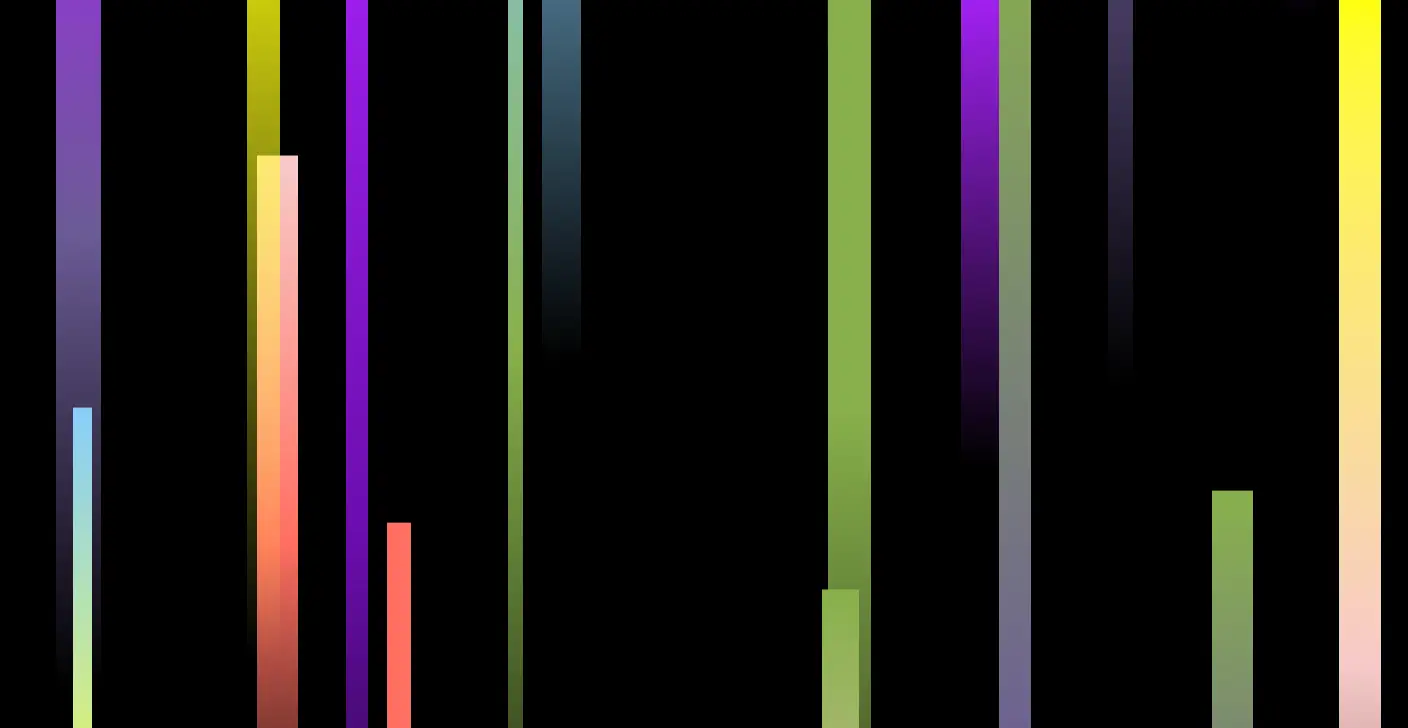
一个独立炫酷的网页极光特效示例,这个示例使用了HTML、CSS和JavaScript来创建一个全屏的极光效果。
具体步骤如下:
- HTML结构:包含一个
div容器用于放置极光效果。 - CSS样式:设置背景为黑色,并定义动画效果。
- JavaScript逻辑:
- 定义一个函数
createAurora,用于创建单个极光条带。 - 随机化每个极光条带的颜色、宽度、高度、位置和动画持续时间。
- 使用
setInterval定期创建新的极光条带,从而形成连续的极光效果。
你可以根据需要调整颜色、宽度、高度和其他属性,以获得不同的视觉效果。
<!DOCTYPE html>
<html lang="en">
<head>
    <meta charset="UTF-8">
    <meta name="viewport" content="width=device-width, initial-scale=1.0">
    <title>Aurora Effect</title>
    <style>
        body, html {
            margin: 0;
            padding: 0;
            overflow: hidden;
            background-color: black;
        }
        .aurora-container {
            position: absolute;
            top: 0;
            left: 0;
            width: 100%;
            height: 100%;
            overflow: hidden;
        }
        .aurora {
            position: absolute;
            width: 100%;
            height: 100%;
            background: transparent;
            pointer-events: none;
        }
        @keyframes auroraAnimation {
            0% {
                transform: translateY(0);
            }
            100% {
                transform: translateY(-100%);
            }
        }
    </style>
</head>
<body>
    <div class="aurora-container"></div>

    <script>
        function createAurora() {
            const container = document.querySelector('.aurora-container');
            const aurora = document.createElement('div');
            aurora.classList.add('aurora');

            // Randomize aurora properties
            const colors = ['#6A0DAD', '#FF6F61', '#6B5B95', '#88B04B', '#F7CAC9', '#A020F0', '#87CEFA', '#FFFF00'];
            const randomColor1 = colors[Math.floor(Math.random() * colors.length)];
            const randomColor2 = colors[Math.floor(Math.random() * colors.length)];
            const randomWidth = Math.random() * 3 + 1; // Between 1 and 4
            const randomHeight = Math.random() * 100 + 50; // Between 50 and 150
            const randomTop = Math.random() * 100; // Between 0 and 100
            const randomLeft = Math.random() * 100; // Between 0 and 100

            aurora.style.background = `linear-gradient(to bottom, ${randomColor1}, ${randomColor2}, rgba(0, 0, 0, 0))`;
            aurora.style.width = `${randomWidth}vw`;
            aurora.style.height = `${randomHeight}vh`;
            aurora.style.top = `${randomTop}vh`;
            aurora.style.left = `${randomLeft}vw`;
            aurora.style.transformOrigin = 'top';
            aurora.style.animation = `auroraAnimation ${Math.random() * 10 + 5}s linear infinite`; // Between 5 and 15 seconds

            container.appendChild(aurora);

            // Remove aurora after animation completes
            setTimeout(() => {
                container.removeChild(aurora);
            }, (Math.random() * 10 + 5) * 1000);
        }

        // Create multiple auroras
        setInterval(createAurora, 500); // Adjust interval as needed
    </script>
</body>
</html>
No responses yet